How Large Should a Front Shirt Design Be?
TLDR: If you are asking how large should a front shirt design be, start with a width of about 11 inches for a standard centered adult graphic. Keep the artwork proportional rather than forcing it into an 11-inch square. Use about 8 inches for a more restrained center-front print, reserve an area approaching 12 by 14 inches for an intentionally oversized look, and size youth garments separately. Before production, confirm the usable area on the smallest shirt in the order.
The best front-print size is not one universal measurement. It depends on whether the design is a wide wordmark, a tall illustration, a compact circle, or a left-chest logo. It also depends on the garment sizes and the decorator’s equipment. The practical answer is to use 11 inches as an adult full-front starting width, then adjust for shape, placement, and the actual shirt.
Front shirt design size at a glance
| Placement or style | Practical starting size | Best use |
|---|---|---|
| Standard adult full front | About 11 inches wide, with proportional height | Most centered graphics on adult T-shirts |
| Medium center front | About 8 by 8 inches or an equivalent proportional area | Compact graphics with more visible space around them |
| Oversized adult front | Up to roughly 12 by 14 inches when the garment and process allow | Large illustrations and deliberate oversized treatments |
| Across-chest wordmark | Up to about 12 inches wide by 4 inches high | Names, slogans, and horizontal logos |
| Left chest or pocket scale | Approximately 3.5 to 5 inches, depending on shape | Small logos, badges, and monograms |
| Youth or toddler front | Smaller than the adult version; confirm by garment size | Children’s garments and mixed-size orders |
Transfer Express and STAHLS’ both use an 11 by 11-inch adult centered design area as a reference. That does not mean every graphic should measure exactly 11 inches in both directions. It means an 11-inch width is a useful place to begin for a conventional adult full-front print. Their guidance also places intentionally oversized adult artwork near a 12 by 14-inch maximum-class area.
For additional placement references, the STAHLS’ design placement guide lists an 8 by 8-inch medium center-front area and a 4 by 12-inch across-chest area. These are planning dimensions, not guaranteed limits for every garment or production setup.
Match the dimensions to the artwork’s shape
Width alone does not determine whether a print will look balanced. The design’s aspect ratio—the relationship between its width and height—matters just as much. Resize the complete design proportionally so letters, logos, and illustrations retain their intended shape.
Wide wordmarks and slogans
A horizontal wordmark might be 10 to 12 inches wide while remaining only 2 to 4 inches tall. That can fill the chest visually without covering most of the torso. Do not stretch a short wordmark vertically just because a production template shows a square design area. The available area is a boundary, not a target that every design must fill.
Tall illustrations
A portrait-oriented illustration may reach its practical height limit before it reaches 11 inches in width. Check where its bottom edge will land, especially on shorter shirts. A design that looks balanced on an adult XL can extend too low on an adult small even when the width technically fits.
Round and square graphics
Round emblems and roughly square illustrations carry more visual mass than narrow typography at the same width. An 11-inch circle will feel much larger than an 11-inch wordmark. For a compact center-chest result, begin closer to an 8-inch area. Move toward 10 or 11 inches when the graphic is supposed to dominate the shirt.
Choose the size by the intended look
The right measurement becomes easier to choose when you define the visual result first. A standard full front should feel prominent without appearing to run from seam to seam. A medium center graphic should leave obvious breathing room. An oversized print should look intentionally expansive rather than accidentally over-scaled.
- Choose about 8 inches wide for a restrained center-front emblem, compact illustration, or design with substantial visual weight.
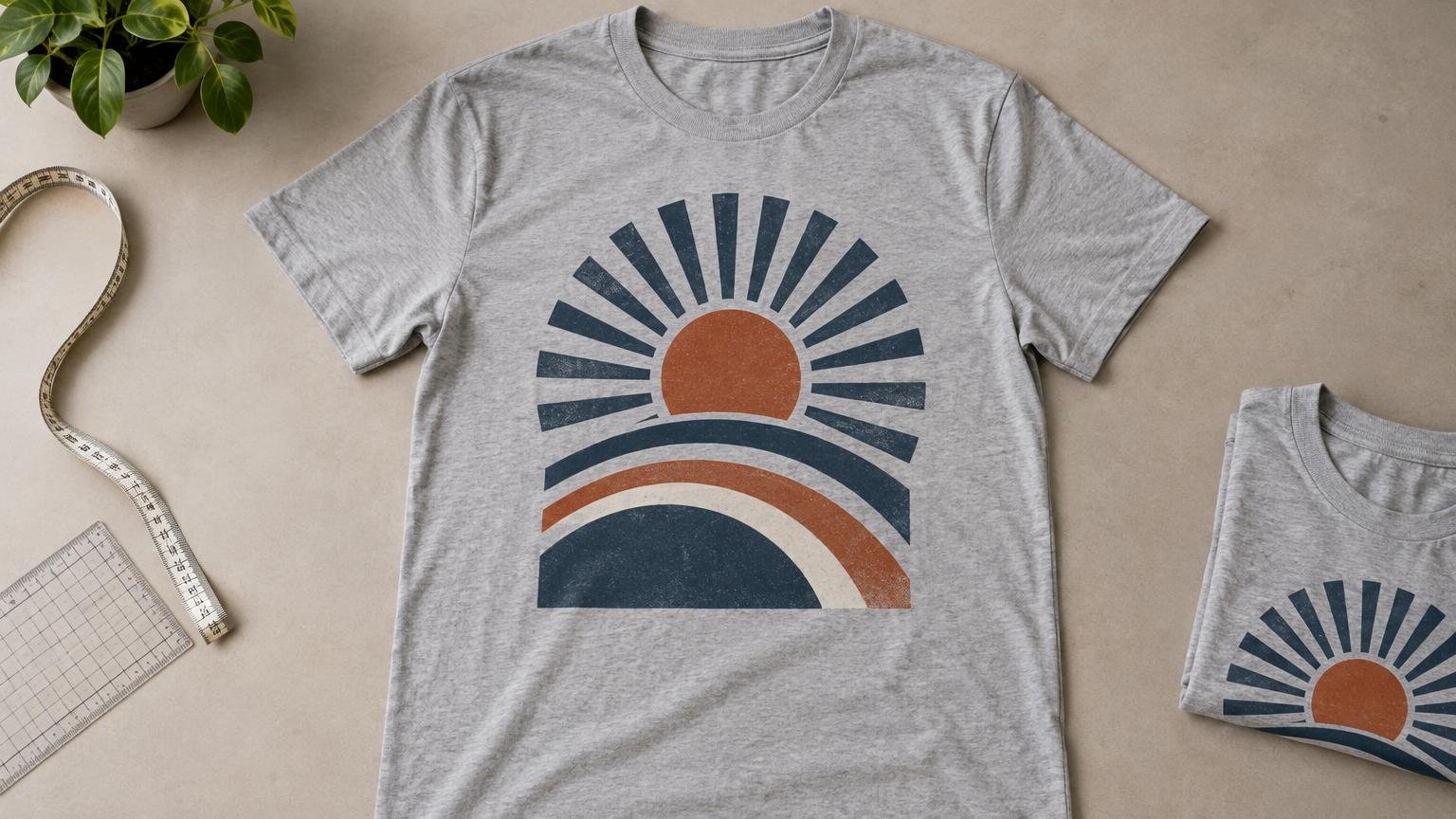
- Choose about 10 to 11 inches wide for a conventional adult full-front graphic.
- Approach 12 inches wide only when you want an oversized treatment and the garment and decorator can support it.
- Use approximately 3.5 to 5 inches for a pocket-scale or left-chest graphic, adjusting for whether the artwork is narrow, circular, or unusually detailed.
Treat the oversized range cautiously. A 12 by 14-inch area can work on a sufficiently large adult shirt, but it should not become the automatic setting for an entire order. Large prints can crowd the collar, approach the side seams, or extend too low on smaller garments.
Size for the smallest garment, not the largest
The smallest shirt in an order usually creates the tightest constraint. SanMar’s decoration specification for one Hanes shirt, for example, lists a 12-inch-wide full-chest area while expressly noting that the actual decoration area depends on garment size, decoration method, and equipment. That is why a measurement found in a general chart should be treated as a starting point rather than a production guarantee.
For an adult-only order with a narrow size range, one proportional design size may work across several garments. For a run spanning adult small through larger sizes, an 11-inch-wide graphic will appear proportionally larger on the small shirt and smaller on the large shirt. That variation is often acceptable if consistency and simpler production matter more than identical visual scale.
Youth and toddler shirts require smaller artwork because their usable fronts are smaller. Both Transfer Express and STAHLS’ separate children’s design areas from adult references. If an order includes adult and youth garments, ask for separate adult and youth art sizes rather than automatically applying the adult file to every shirt.
When only one size can be used, base it on the smallest garment that must receive that print. This prevents clipping and seam interference, although the design will look less substantial on the largest shirts. For a visually consistent range, splitting the order into two or three print sizes is the stronger production choice.
Place the design as carefully as you size it
A correctly sized design can still look wrong when it begins too close to the collar or sits too low on the torso. For an adult crewneck center-front print, a common starting point places the top of the design about 3 to 3.5 inches below the collar. This is a starting clearance rather than a fixed rule.
Adjust that clearance for the artwork. A tall design may need to begin slightly higher so its bottom does not drop too far. A short wordmark can sit in the upper chest area without appearing crowded. V-necks, scoop necks, pockets, plackets, and women’s or youth cuts can also change the usable position.
Center the artwork on the garment body, not blindly on the neck label. Labels and collar seams are not always perfect visual center marks. Fold the shirt vertically or measure between matching body points, then align the design to that centerline.
Confirm the production method’s usable area
An artwork file can be any size on screen, but the printable area is limited by the selected garment, decoration method, and production equipment. A screen-printing setup, heat-transfer press, direct-to-garment system, or embroidery hoop may each impose different boundaries. The supplied sizing references do not establish one universal maximum for every process, so the decorator should confirm the final limit.
Ask the decorator to verify four points before approval:
- The maximum usable width and height on the smallest selected garment.
- Whether seams, pockets, collars, or garment construction reduce that area.
- Whether adult and youth garments will receive separate design sizes.
- Whether the proof shows final physical dimensions and placement measurements, not merely a proportional digital preview.
Whether you use a local decorator or compare custom-printing options, provide the exact garment style, complete size range, intended placement, and decoration method. A printer cannot reliably approve an 11-inch design without knowing which shirts must carry it.
Approve the design at actual size
A design can look appropriately large on a monitor while printing much smaller or larger than expected. Review the proof with its physical width and height stated in inches. If possible, print the artwork on paper at actual size, trim it, and place it on the smallest and most common garment sizes in the order.
Look at the complete composition rather than only the outside dimensions. Fine text must remain readable, important elements need sufficient separation from the collar and seams, and the design should sit where a person’s chest—not an empty shirt laid flat—will visually frame it.
For a typical adult full-front shirt, the decision can be simple: begin at 11 inches wide, preserve the artwork’s proportions, and reduce the dimensions when the graphic is visually dense or the order includes smaller garments. Use the garment and production method to confirm what fits, then approve an actual-size proof. That process is more dependable than treating any online size chart as a universal rule.